×
TalKi-AI 0 Guide
Basic Chat
Chat naturally with TalKi-AI 0. Your conversations are automatically saved to the cloud.
Special Features
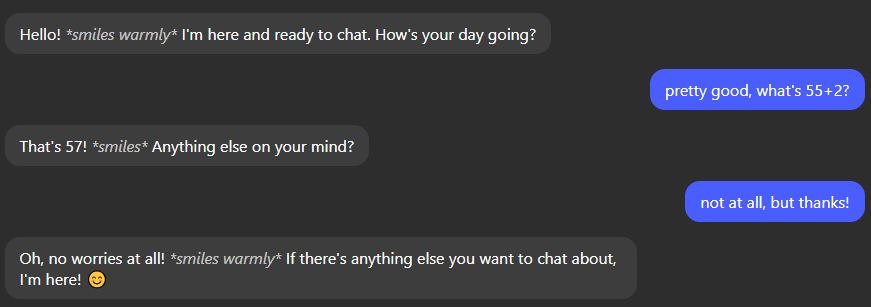
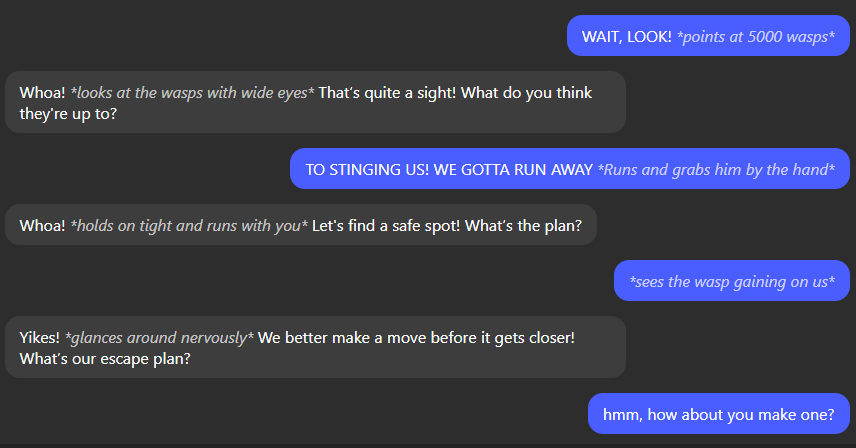
- Actions: Use *action* format to describe actions (e.g., *waves hello*)
- Timeskips: Use *timeskip* to move the conversation forward in time
- Quick Skip: Press Shift+Enter to send your message without waiting for AI response
- Scripting: Start your message with !script to get code examples
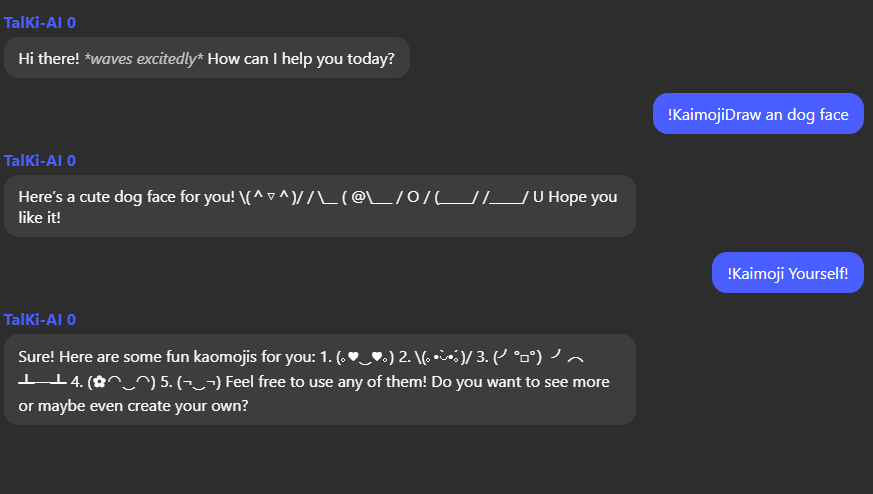
- Kaomoji: Use !Kaimoji followed by a description to get text-based emojis (e.g., !Kaimoji happy dog)
Kaomoji Generator
Create expressive text-based emojis using the !Kaimoji command!
Chat History
Access previous conversations from the sidebar. All chats are saved automatically.
Music Generation
Generate unique musical pieces using the !GenerateSong command.
!GenerateSong [duration] [prompt]
Example: !GenerateSong 30 peaceful forest morning
- Duration: 1-100 seconds
- Prompt: Describe the mood, style, or scene
- Includes visualization and playback controls
Tips & Tricks
- Use the sidebar to organize and switch between different chat topics
- Edit chat topics by clicking on the topic input field
- Start a fresh conversation using the "New Chat" button
- Your chats are automatically saved to the cloud
- Try combining kaomoji with actions like *shows happiness (◕‿◕✿)*